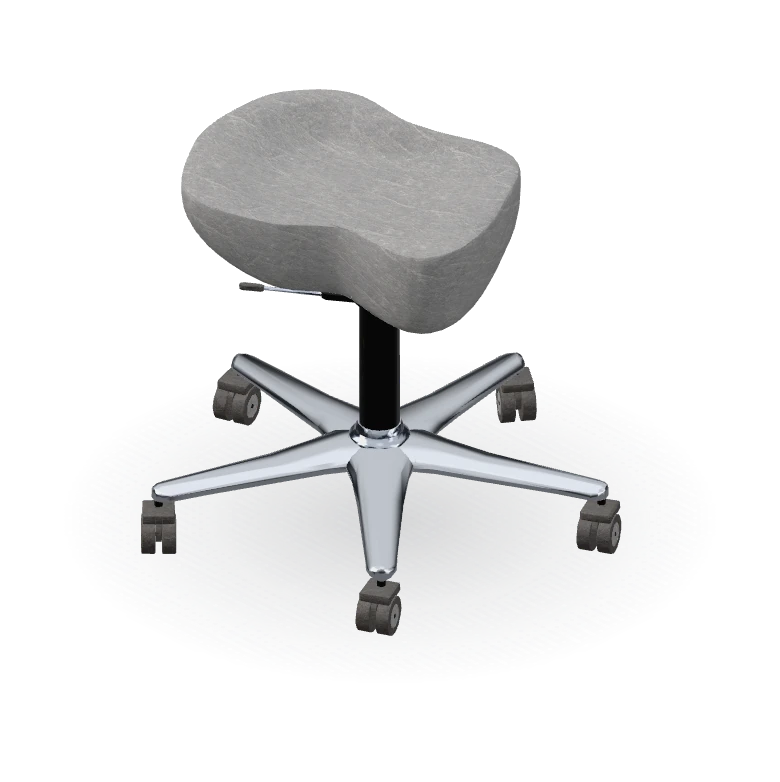
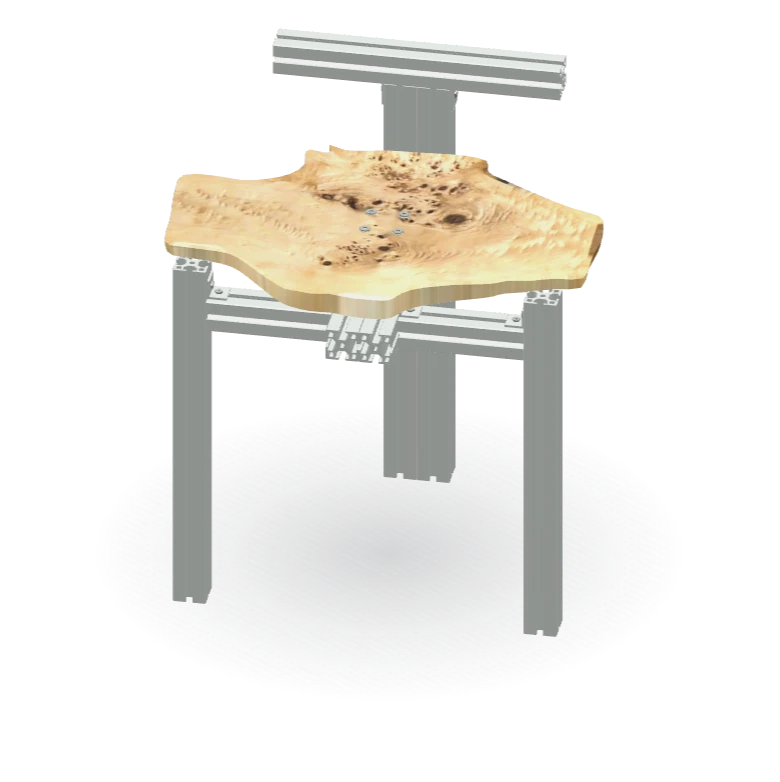
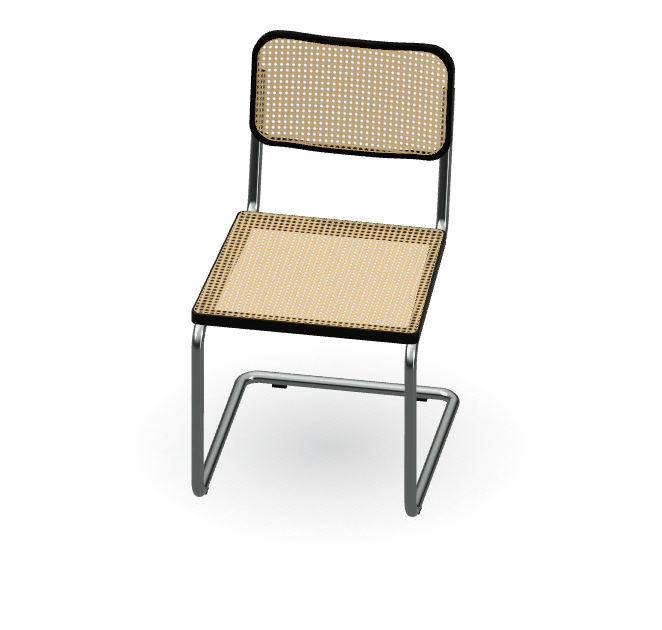
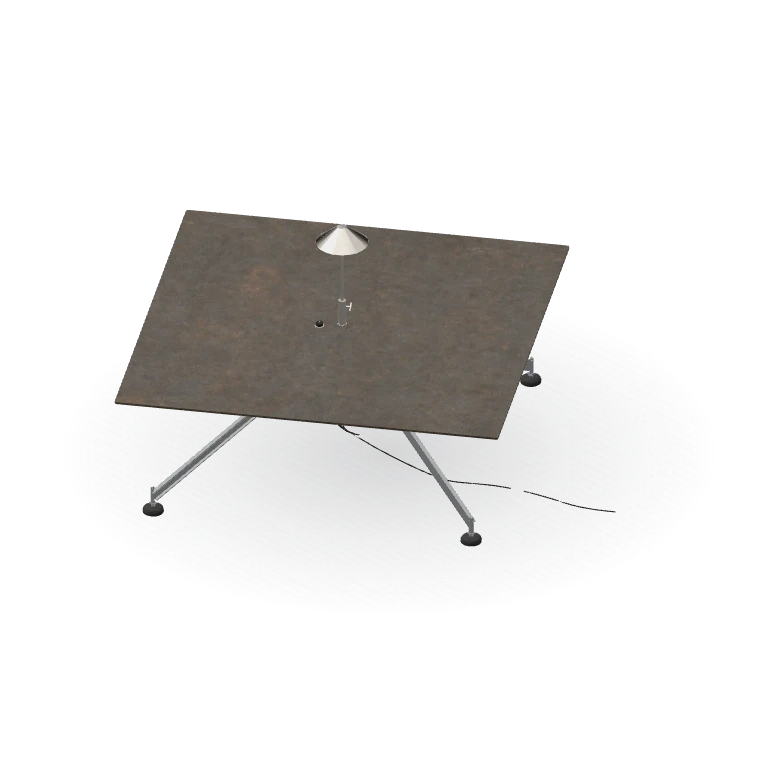
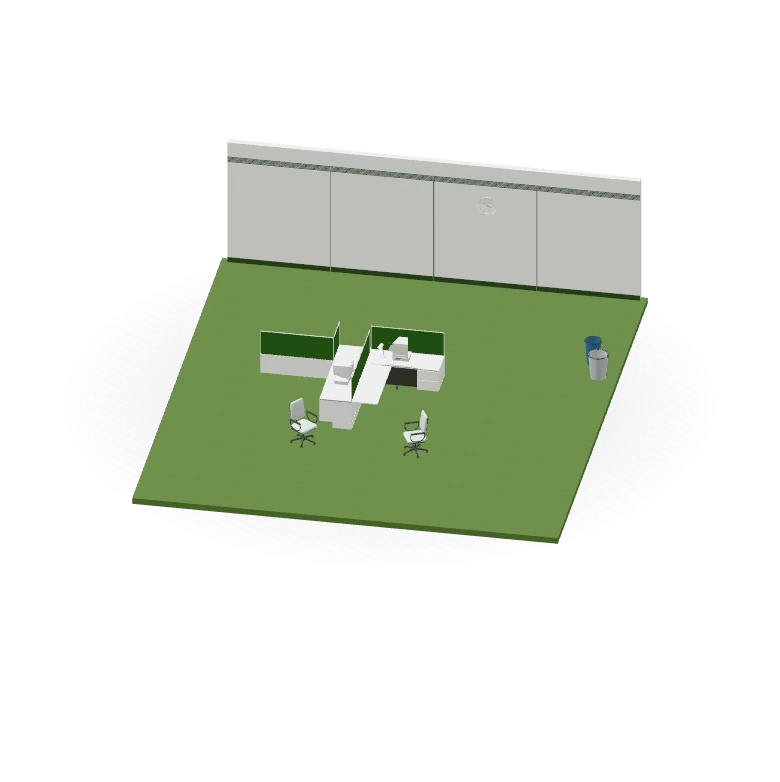
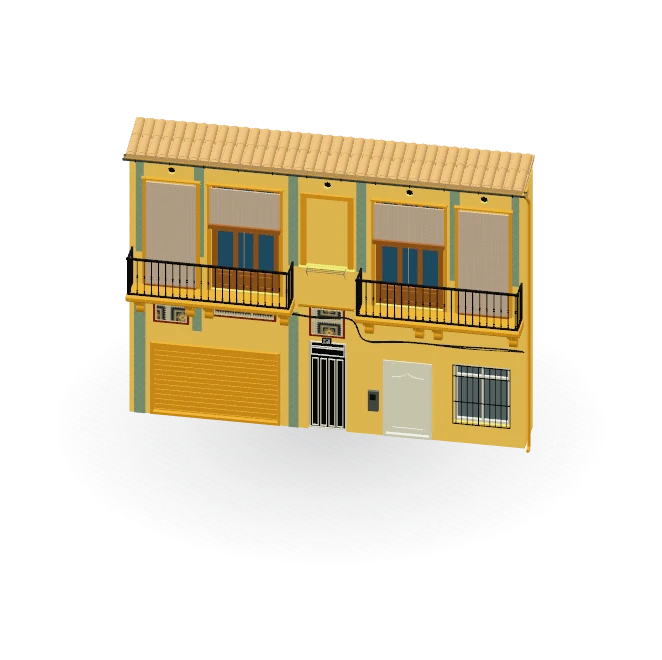
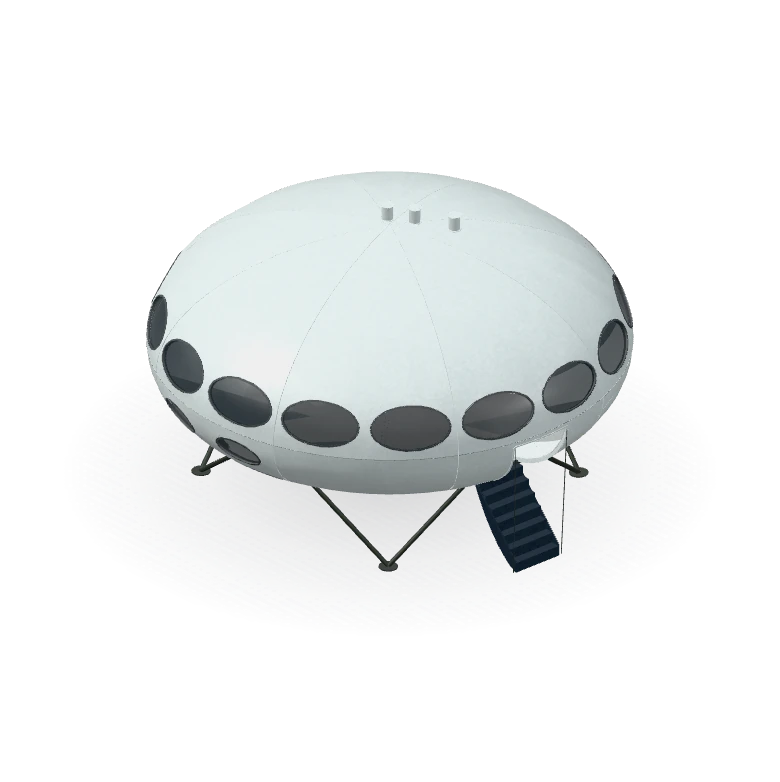
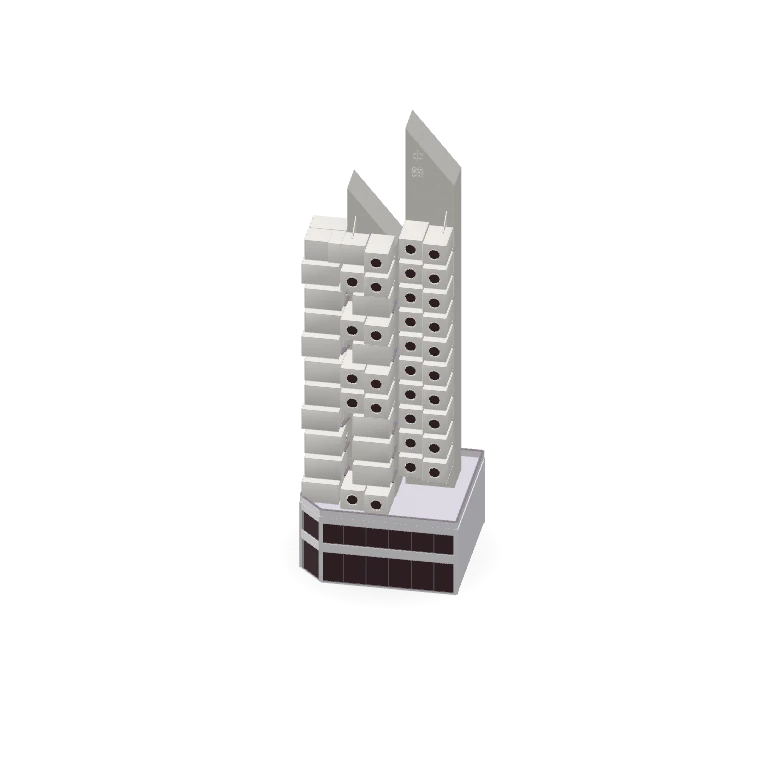
Send the photo to Montea 3D. You get a .3dm for Rhino 8, in millimeters, with polysurfaces and SubD you can edit, and named parts on layers with materials. See Photo to Rhino Model.
Loading the Casa del FascioThe model didn't load. Check your connection and reload the page.
This is not a mesh.
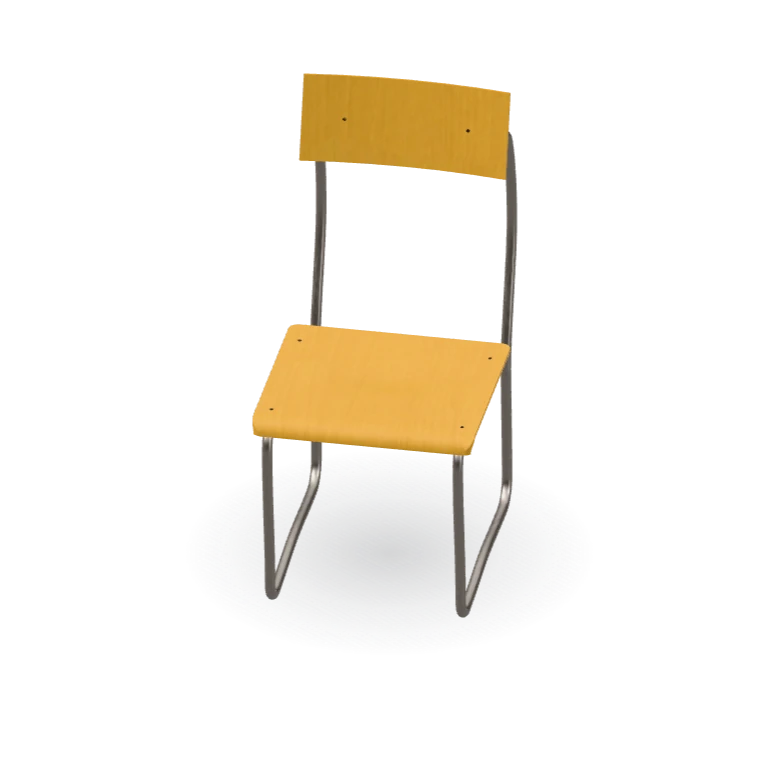
Terragni's 1936 chair for the Casa del Fascio, as 17 named parts on 3 layers: the chrome-plated steel frame, the beech plywood seat and back, and the black steel bolts, each with its material. Change any part in Rhino or SketchUp.
- Named Parts on Layers
- Polysurfaces in Rhino
- Groups in SketchUp
- Visualization Artists
- Interior Designers
Send a photo. AI agents build the model.
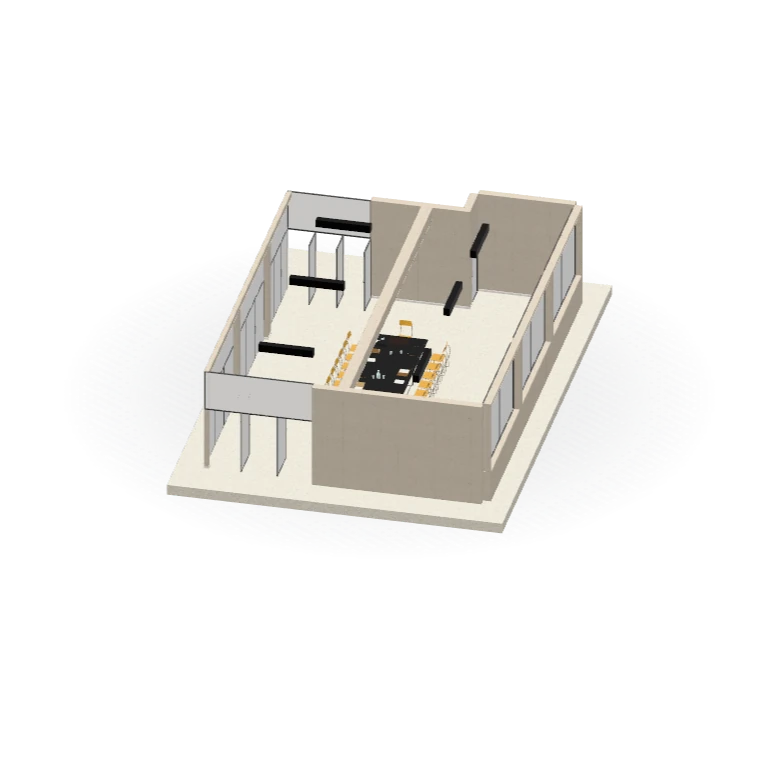
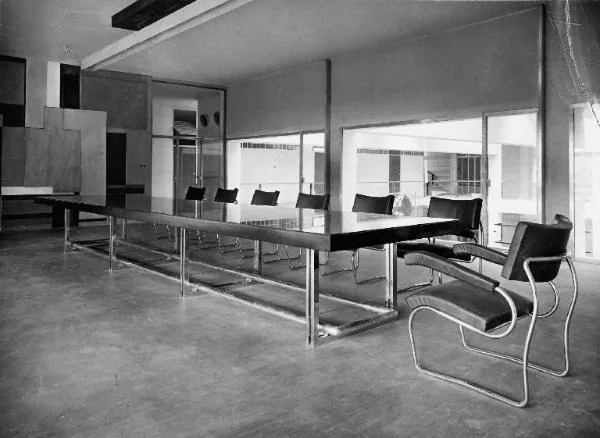
Fully automated, from your photo to files you can edit. Each part carries its material, like the black glass table and the beech plywood of its 17 chairs.
- Fully Automated
- Materials and Textures
- Named Parts
- Price Before You Pay
- Interior Designers
- Architects
Accurate dimensions for the most complex shapes, under an hour.
The main staircase, built in 26 min: 302 parts, from its 48 treads and 96 anti-slip strips to the glass balustrade and its clamps, each at its size in millimeters, on its own layer. Point at a row to light its parts.
- Built in 26 min
- 302 Named Parts
- Sizes in Millimeters
- Accurate Dimensions
- Architects
- Students
A model you can edit, not a million triangles.
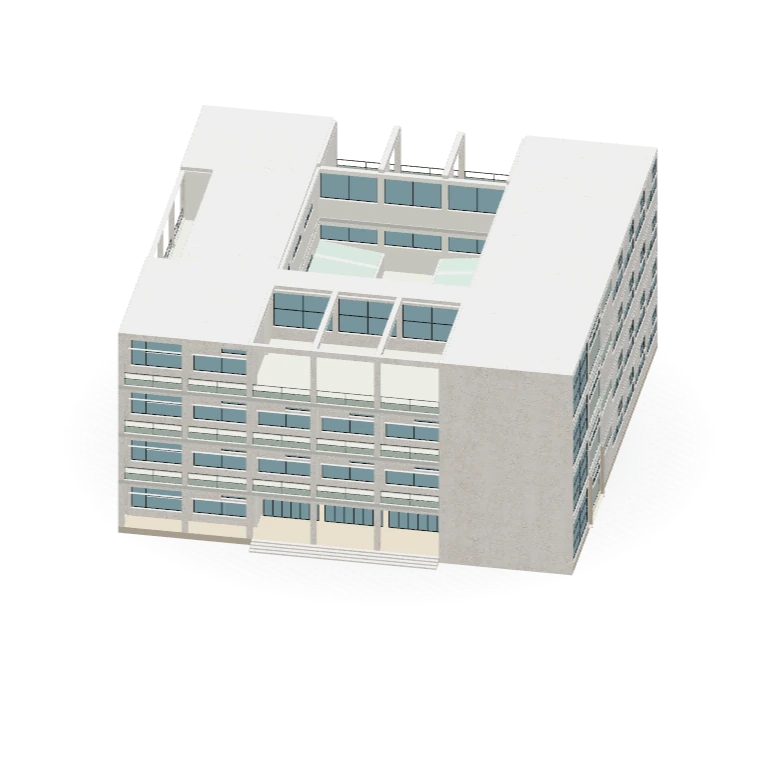
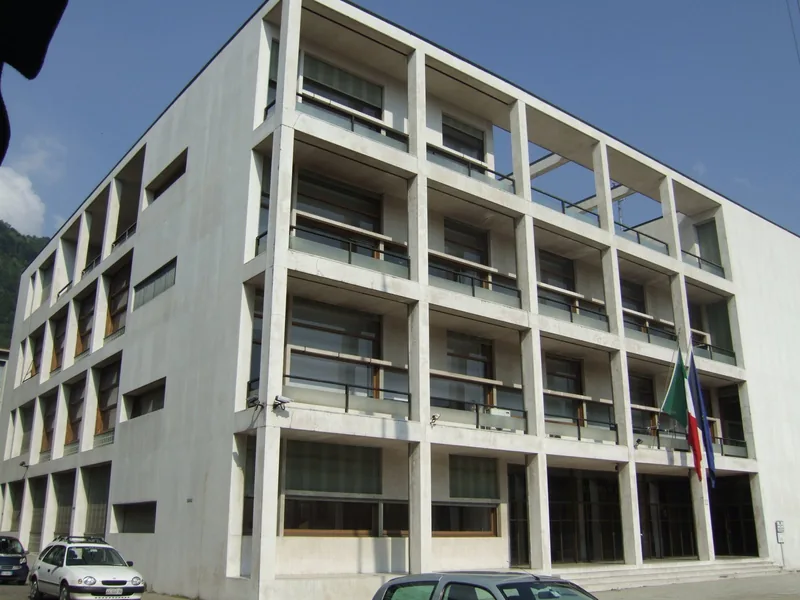
The whole Casa del Fascio, inside and out, opens into its floors: 8,799 parts on 88 layers. Hide a layer, point at a part, then download it for Rhino, SketchUp or as a DWG.
- Inside and Out
- 8,799 Named Parts
- Rhino, SketchUp and DWG
- Architects
- Students
- Visualization Artists
Unlimited potential, at any scale.
From one chair to 150 m of streets: AI agents add the streets, the neighbors and the trees from the map. Montie, your AI assistant, keeps you posted.
- Streets From the Map
- Neighbors and Trees
- Named Parts on Layers
- Montie Keeps You Posted
- Anyone With a Deadline
Map data © OpenStreetMap contributors. Terrain: Copernicus DEM, © DLR e.V. 2010–2014 and © Airbus Defence and Space GmbH 2014–2018, provided under COPERNICUS by the European Union and ESA.
A model you can edit, not a million triangles.
Turn any photo into a 3D model you can edit for Rhino, SketchUp and many others.
Files for Your Workflow
The download lists the files that your build actually made. SketchUp depends on a successful export. DWG, STL, and USDZ are included when export and package limits permit. OBJ contains SubD cages and mesh parts.
- 3DM
- SKP
- STEP
- GLB
- DWG
- STL
- USDZ
- OBJ
Step 1 of 7: Drop a Photo. Drop, paste or choose one photo. One is enough.
Drop a photo here
Drop, paste or choose one photo. One is enough.
Drop Your Photo
or paste it ⌘VYou see the price and the time before you pay.Library
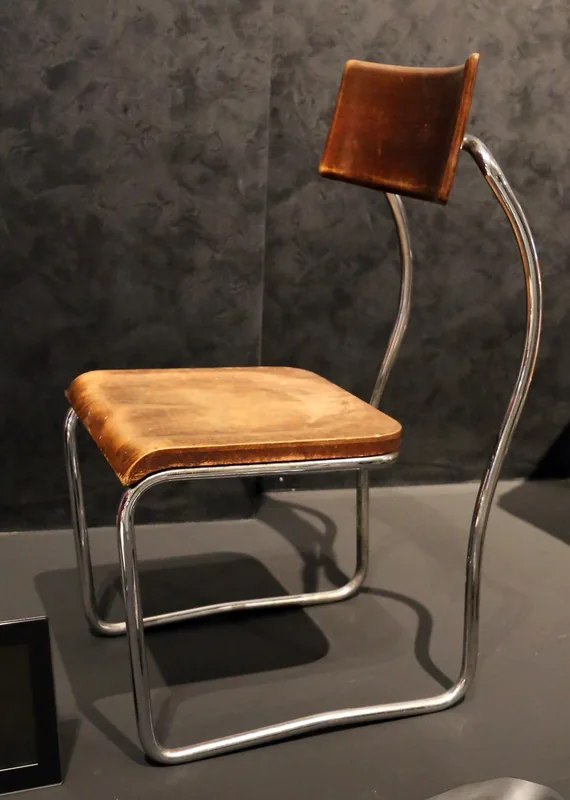
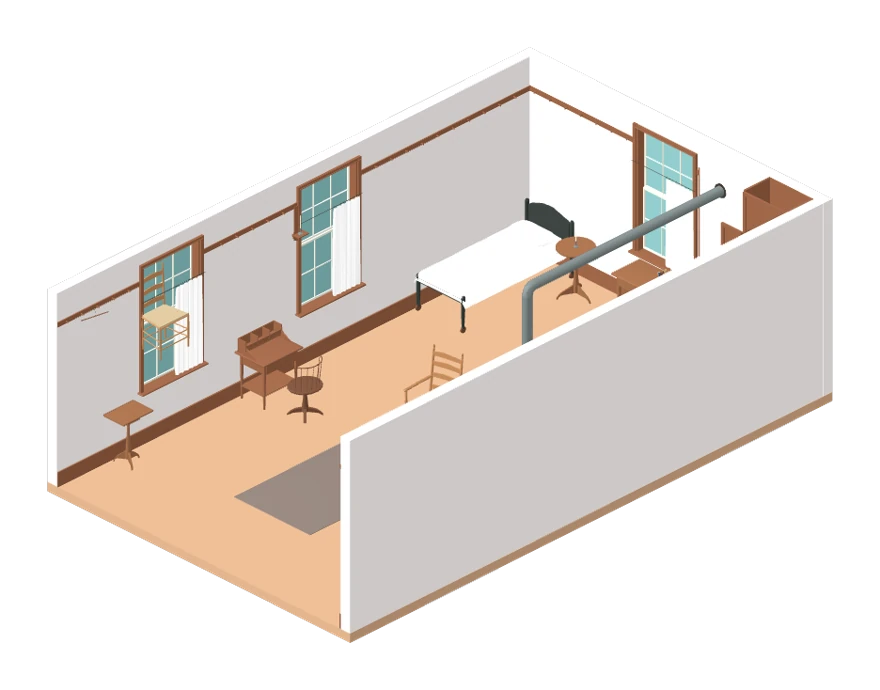
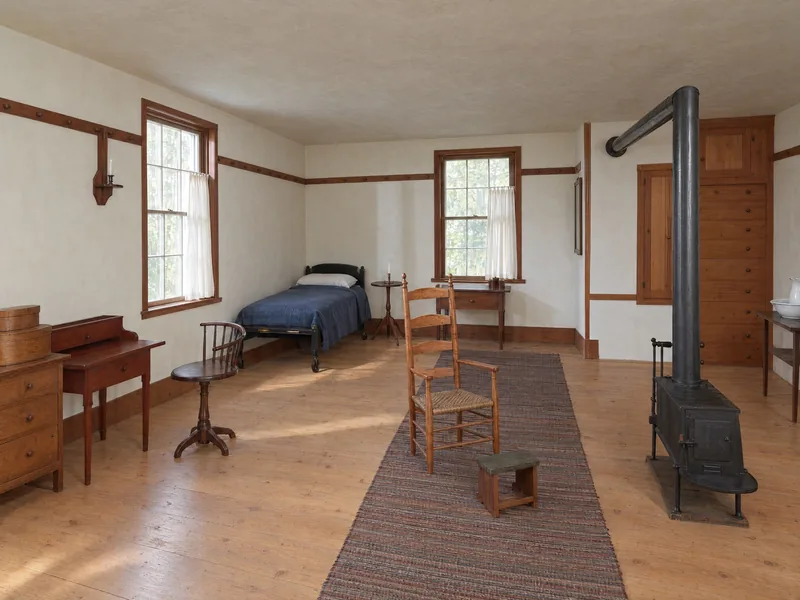
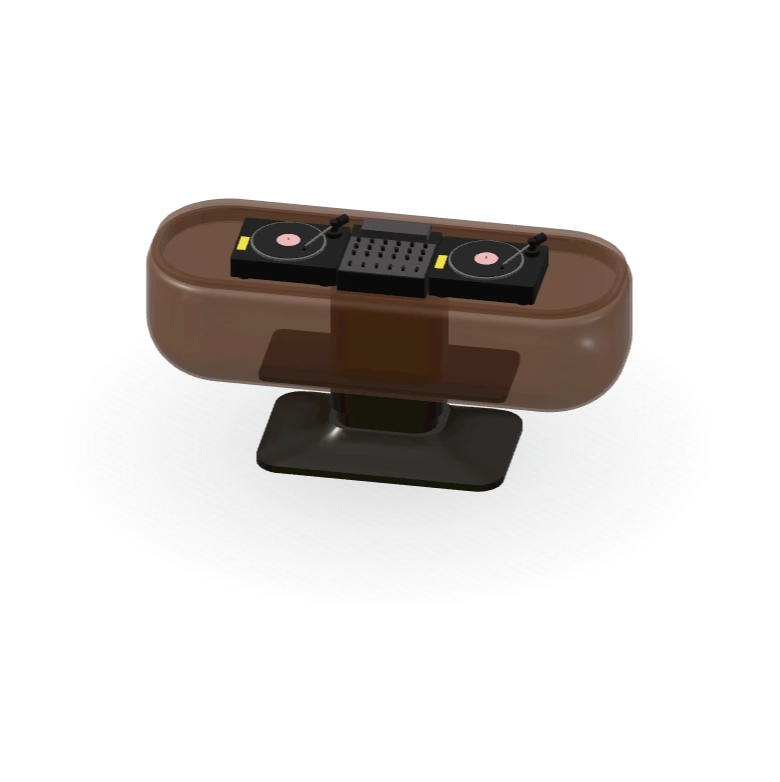
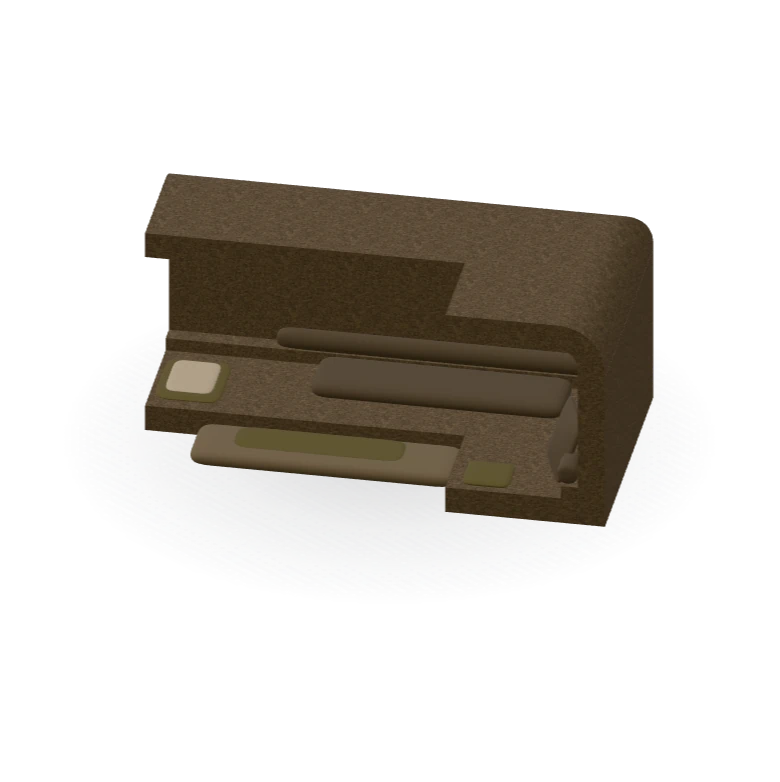
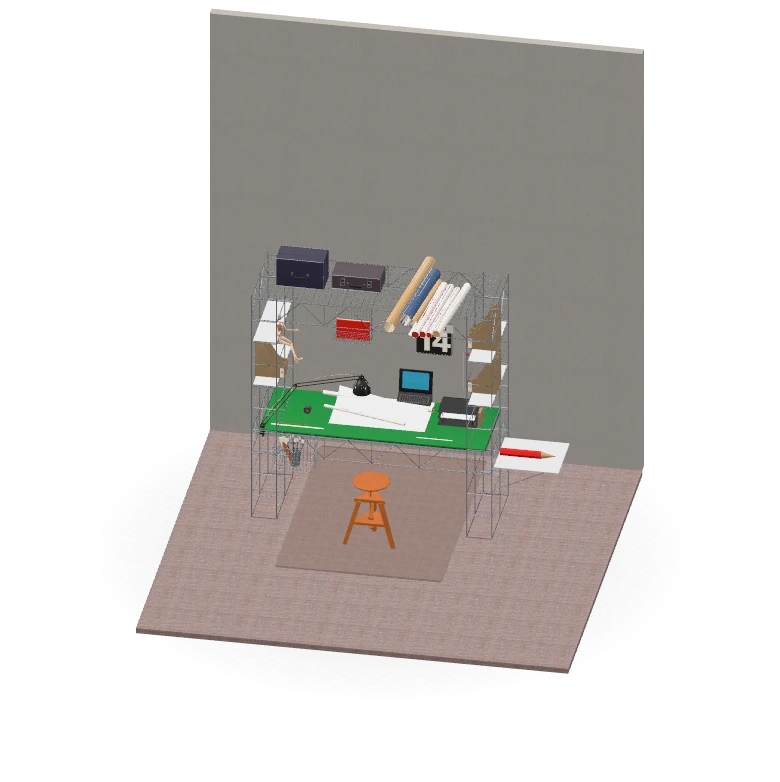
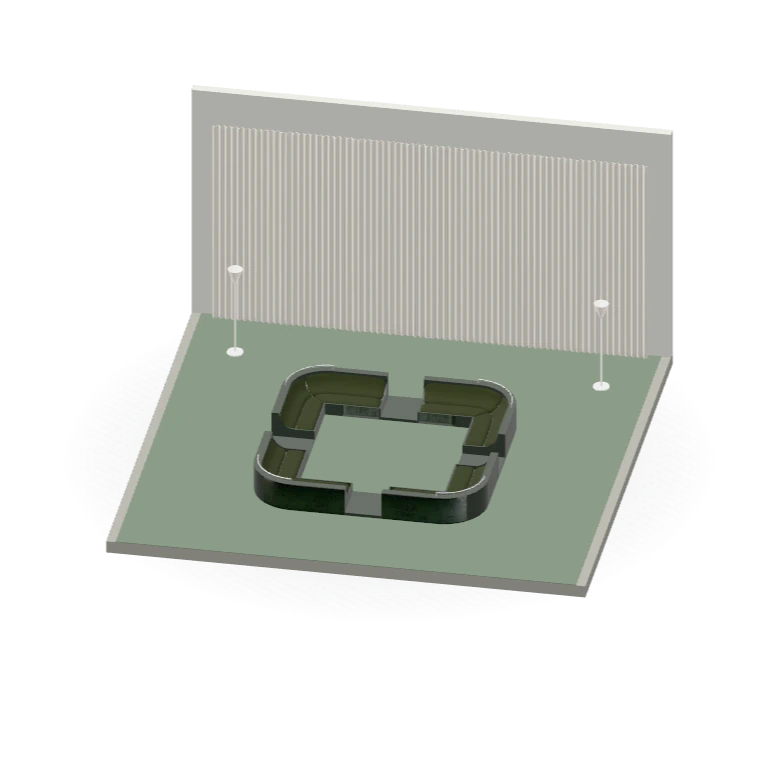
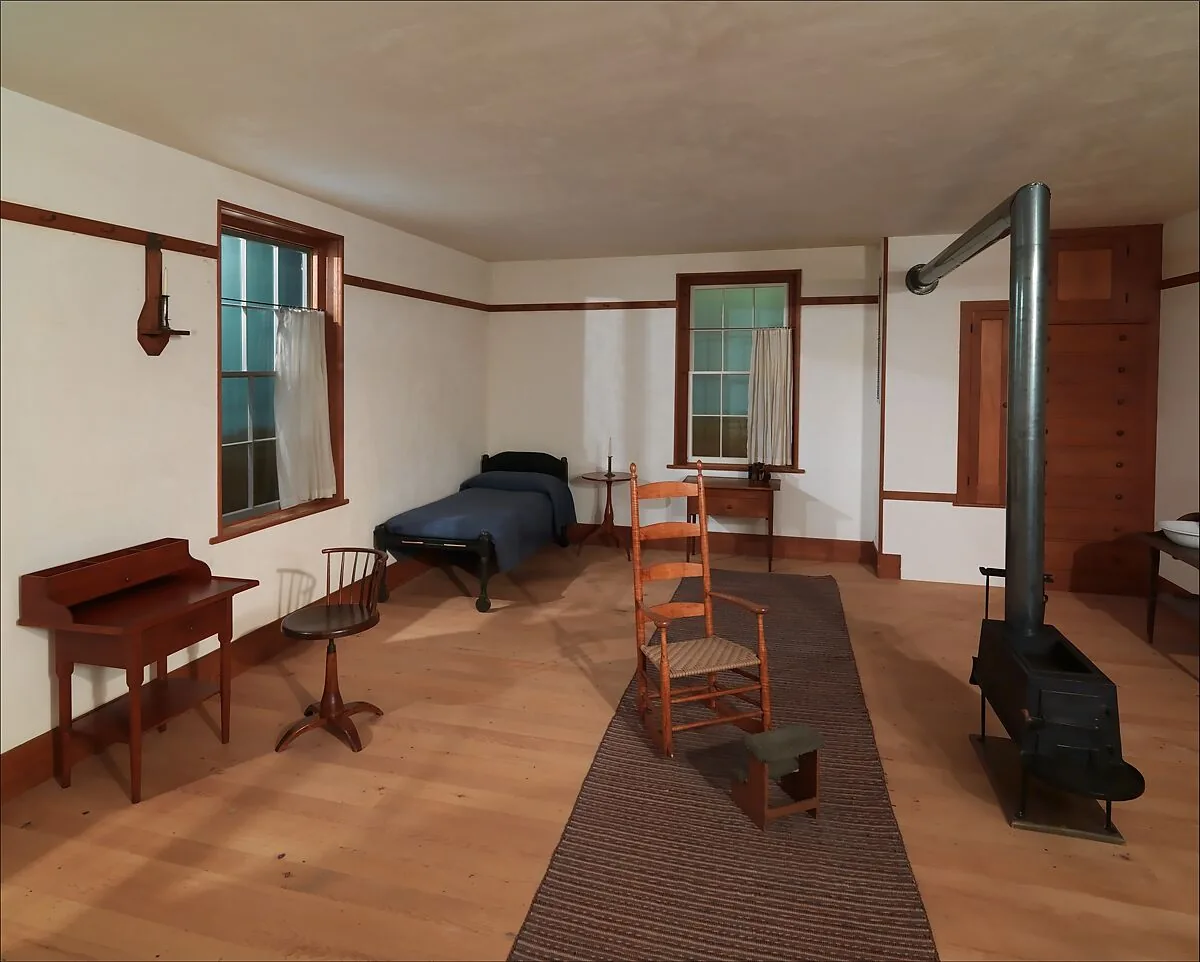
Each one was built by AI from photos.The Library models are real outputs, built by Montea from photos of real objects.Library photos: The Metropolitan Museum of Art and Wikimedia Commons, public domain; the Lariana chair's, Sailko, Wikimedia Commons, CC BY-SA 4.0; the Sala del Direttorio's, a period photograph from 1936.
Pricing
Sign Up for Free Credits
Sign up with your email: the first 200 accounts get 36 free credits and everyone after them 18, to use within six months.
Solo
For students and the occasional missing object
€20
a month, VAT included
8 Medium Models a Month
€2.50 a model · €3.75 without a plan
- 24 Credits a month: 8 Medium, or 4 High
- Unused credits carry over one month
- Paid Library at 1 credit a model
- Your models stay private: nothing you make is published
DuoRecommended
For designers, architects and viz artists who model every week
€40
a month, VAT included
18 Medium Models a Month
€2.22 a model · €3.75 without a plan
- Everything in Solo, plus:
- 54 Credits a month: 18 Medium, or 9 High
- Unused credits carry over 2 months
- Paid Library included
- Priority builds: yours start before Solo and pay as you go
Team
For small studios and prop houses
€80
a month, VAT included
38 Medium Models a Month
€2.11 a model · €3.75 without a plan
- Everything in Duo, plus:
- 114 Credits a month: 38 Medium, or 19 High
- Unused credits carry over 3 months
- First in the queue
Plans are open to the first 10 subscribers, who keep their price. Change plans any time: the new plan's credits arrive at your next renewal. Compare Plans
Made For
- Interior DesignersThe sofa from the supplier's catalog, in your SketchUp scene with accurate dimensions. One photo, a 10–30 min build.
- ArchitectsThe chair in the client's reference photo, as a Rhino model: named parts on layers, with materials and textures.
- Viz ArtistsThe object your scene is missing, with accurate dimensions and named parts, materials and textures. Order it while you set up the camera.
- Industrial DesignersThe product in a reference photo, as an editable Rhino model with accurate dimensions, to study and design around.
- StudentsThe furniture for your project's renders, in 10–30 min a piece, not an evening spent modeling one chair.
Free Tools
Check a model's parts and structure. Convert files in your browser.
Drop any model. See what's inside.
Up to 64 MB
- 3DM
- GLB
- glTF
- OBJ
- STL
What is Montea 3D?
Montea 3D is an AI tool that turns one photo of a product, a room or a building into a 3D model you can edit. Within a day you get it with accurate dimensions: a .3dm for Rhino, a .skp for SketchUp, and STEP, GLB and OBJ files, with named parts on layers.