Send one photo of a product, a room or a building and get back a 3D model you can edit within a day, with its parts named and on layers, with accurate dimensions.
Send one photo to Montea 3D: a catalog photo, a photo from a website or one you took. Montea names the object and shows the price and the time before you pay. AI models then build each part on its own. Within a day you get Rhino and SketchUp files you can edit, plus STEP, GLB and OBJ, with accurate dimensions.
Step 1 of 7: Drop a Photo. Drop, paste or choose one photo. One is enough.
Drop a photo here
Drop, paste or choose one photo. One is enough.
Built to Be Edited
A Piece for Your Render
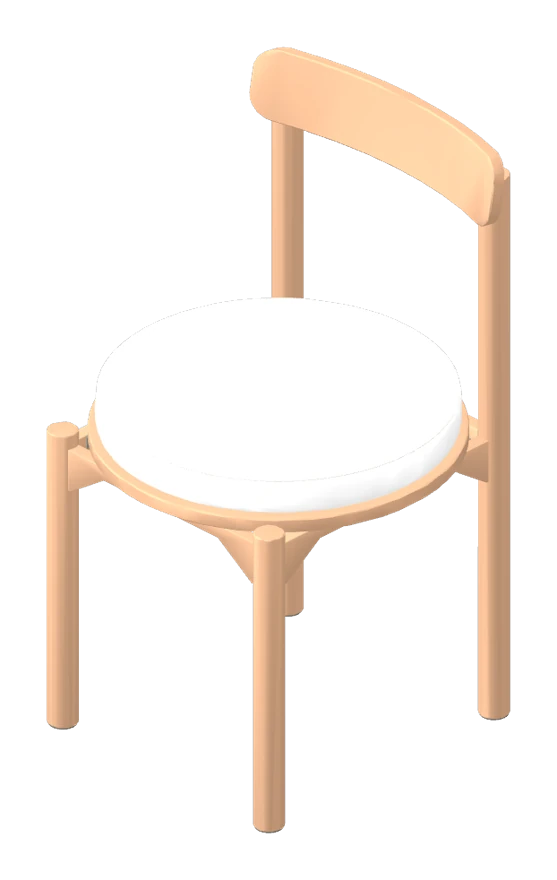
Drops into a render, with accurate dimensions.
Montea · Acacia Dining Chair · 24 min · 42 parts on 3 layers
A Room to Redesign
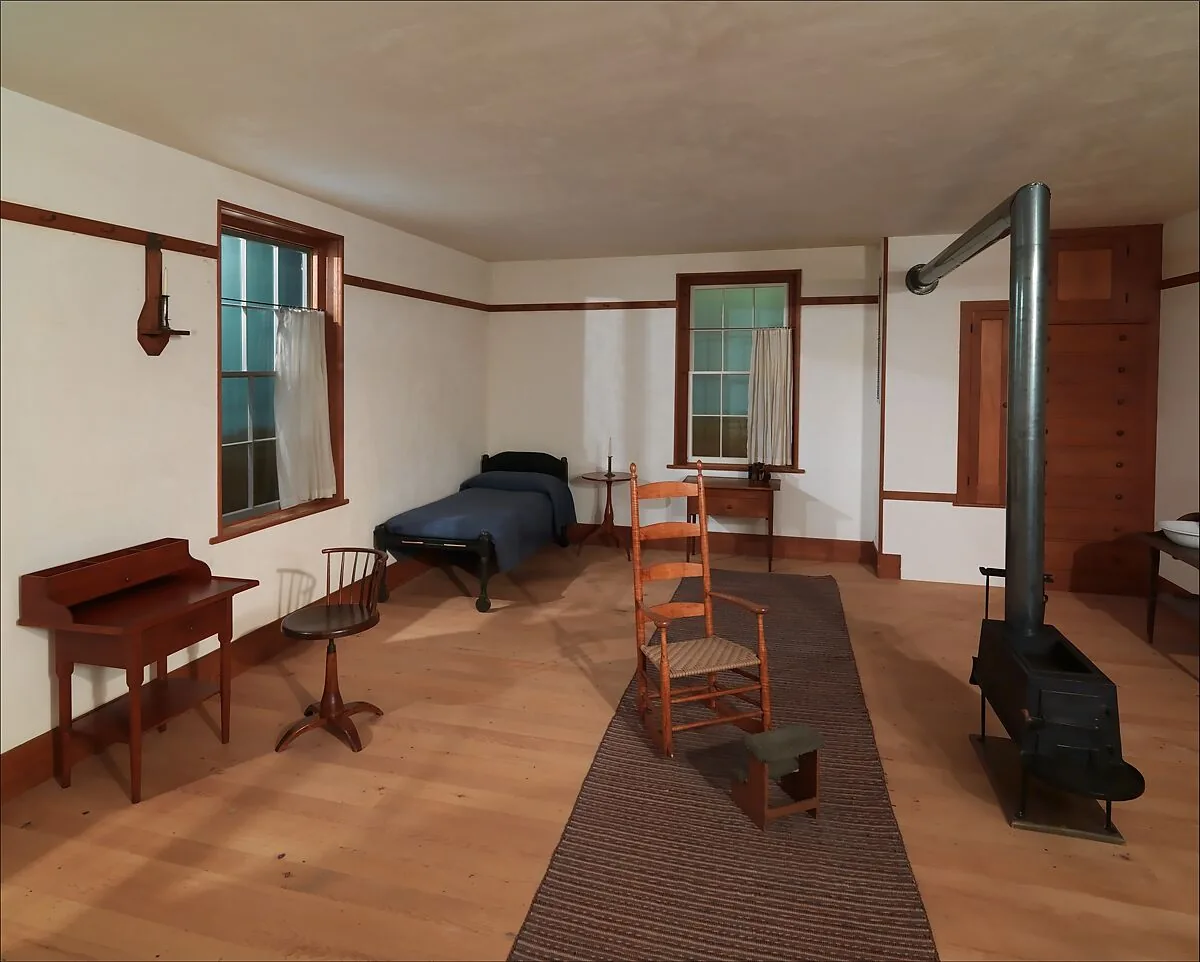
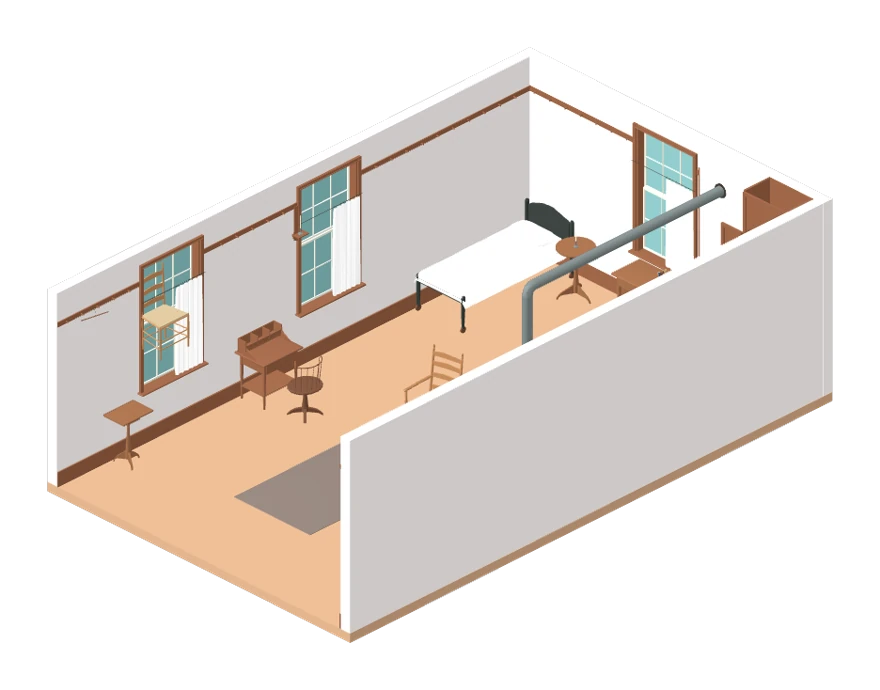
Every piece its own part.
Montea · Shaker Bedroom, 1830s · 52 min · 495 parts on 36 layers
How It Works
1Send One PhotoA catalog photo, a photo from a website or one you took: one is enough. Montea reads what is in it, names it and prices it before you pay. During the build, it looks for the maker's published sizes.
2See the Price, Then PayChoose Medium or High and see the credits and the time before you pay. Nothing builds until it's paid.
3Open It in Your 3D AppOne package with the Rhino and SketchUp files you can edit, and STEP and GLB for other programs. Sizes come from the sizes you give, or from the maker's published dimensions when we find them; otherwise they're estimated from the photo.
Questions
One photo is enough: a product photo from a catalog or a website, or one you took. JPEG, PNG or WebP, up to 15 MB. A photo on a plain, light background reads best. Pinterest and Instagram links can't be read: paste the image itself, or a screenshot.
What helps the size most is one real measurement, such as the height, or a photo from the side. Add them in Add Details, with up to 4 more angles and a product link.
Every model comes as one package, with accurate dimensions and named parts on layers, materials and textures: a .3dm for Rhino 8, in millimeters, with polysurfaces and SubD you can edit; a .skp for SketchUp, with faces and groups and the layers as tags; STEP solids for Revit and 3ds Max; a GLB for the web, Blender and most 3D apps, with named parts and materials; and an OBJ of the SubD cages and natural parts. A DWG for AutoCAD and Archicad, an STL for 3D printing and a USDZ for the iPhone's AR view come with it when Rhino can make them for that model.
Each model is labeled AI-generated.
Usually within a few hours. Builds start on their own, paid ones first, and an account's next free build waits until everyone's first one has started, so a free one may wait a while to begin; once it starts, a build takes about 20 minutes at Medium and 40 at High, for one object. You see the time before you pay.
From the sizes you give, or the maker's published dimensions when we find them; otherwise they're estimated from the photo. Check an estimated size before you make anything.
Cushions and fabric folds are simplified, a facade's depth and roof are guessed, and clear glass is hard to read. The order sheet tells you before you pay.
Yes, one that builds a model you can edit rather than one mesh. How it differs.
Choose Needs a Fix on the model, tell us what's off, and show us if you can: the AI models take a closer look and rebuild it once, free. The model you have stays until the new one is ready.
Still not right within 14 days? Choose Still Not Right?: your credits come back, and you keep the model. The details are in the refund policy.
Send Montea a photo, get back a 3D model you can edit, with accurate dimensions.
Montea is in open beta. The Library models are real outputs, each built from photos of its object.
Library photos: The Metropolitan Museum of Art and Wikimedia Commons, public domain; the Lariana chair's, Sailko, Wikimedia Commons, CC BY-SA 4.0; the Sala del Direttorio's, a period photograph from 1936.